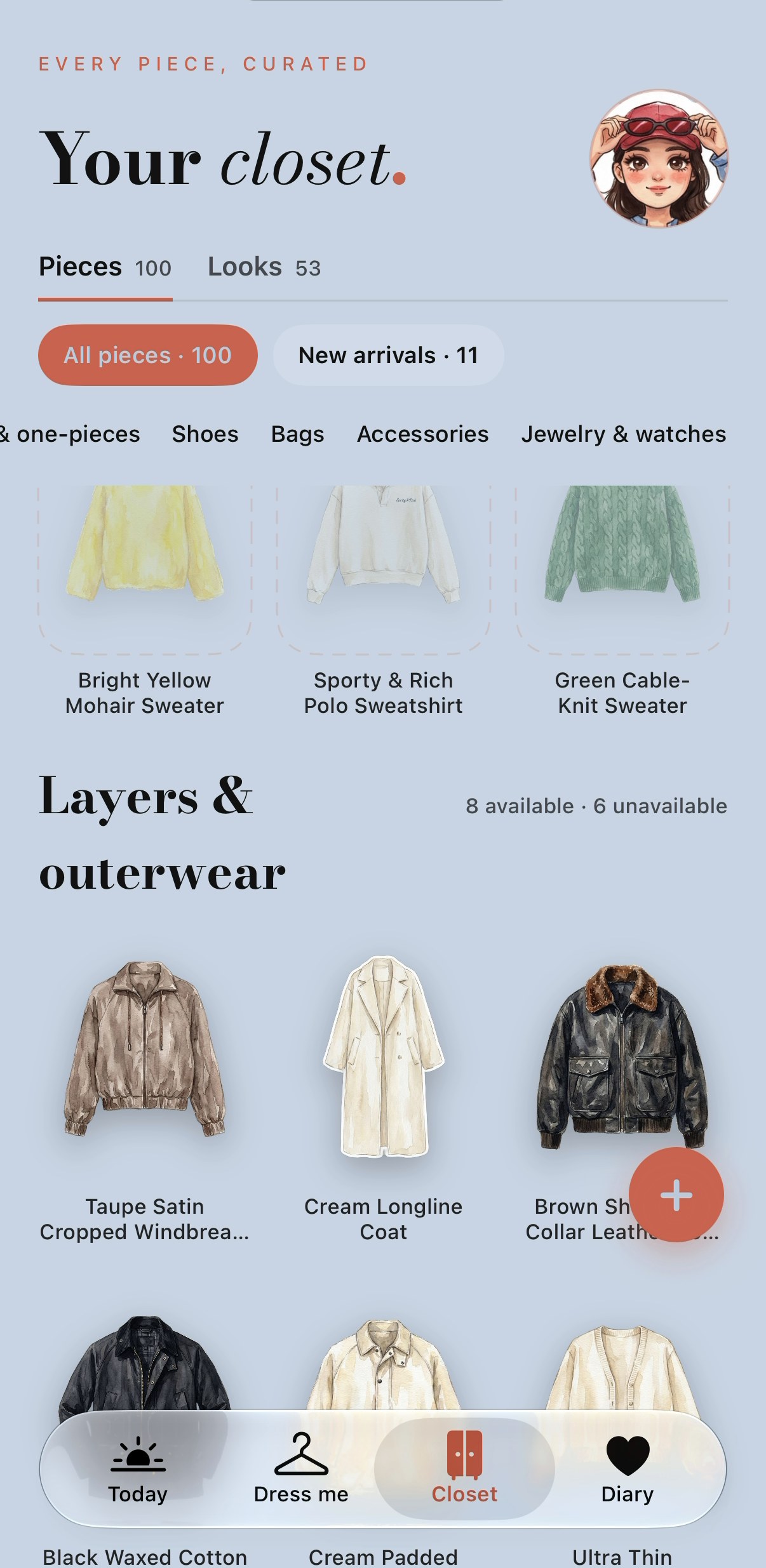
Plan a trip from the clothes you own
Give Dress me for a city, dates and an occasion to plan up to five looks and a packing checklist. Start with your own closet, then review any clearly marked borrowed library pieces. Planning uses no credits: free accounts get 3 requests per day and members get 5. Drawing a look on your mini-you is a separate member action that uses credits.
Get PutTogether for iPhone ↗Product information checked · Screens dated separately below
A trip, three looks, one packing list.
Follow one Tokyo plan for 12–19 December 2026, from the brief to the outfits and the pieces to pack.
The brief was recorded on an iPhone on 28 September 2026. The same saved trip was shown again in the real app on 13 October. These are dated examples, not a current forecast or a continuous live session.
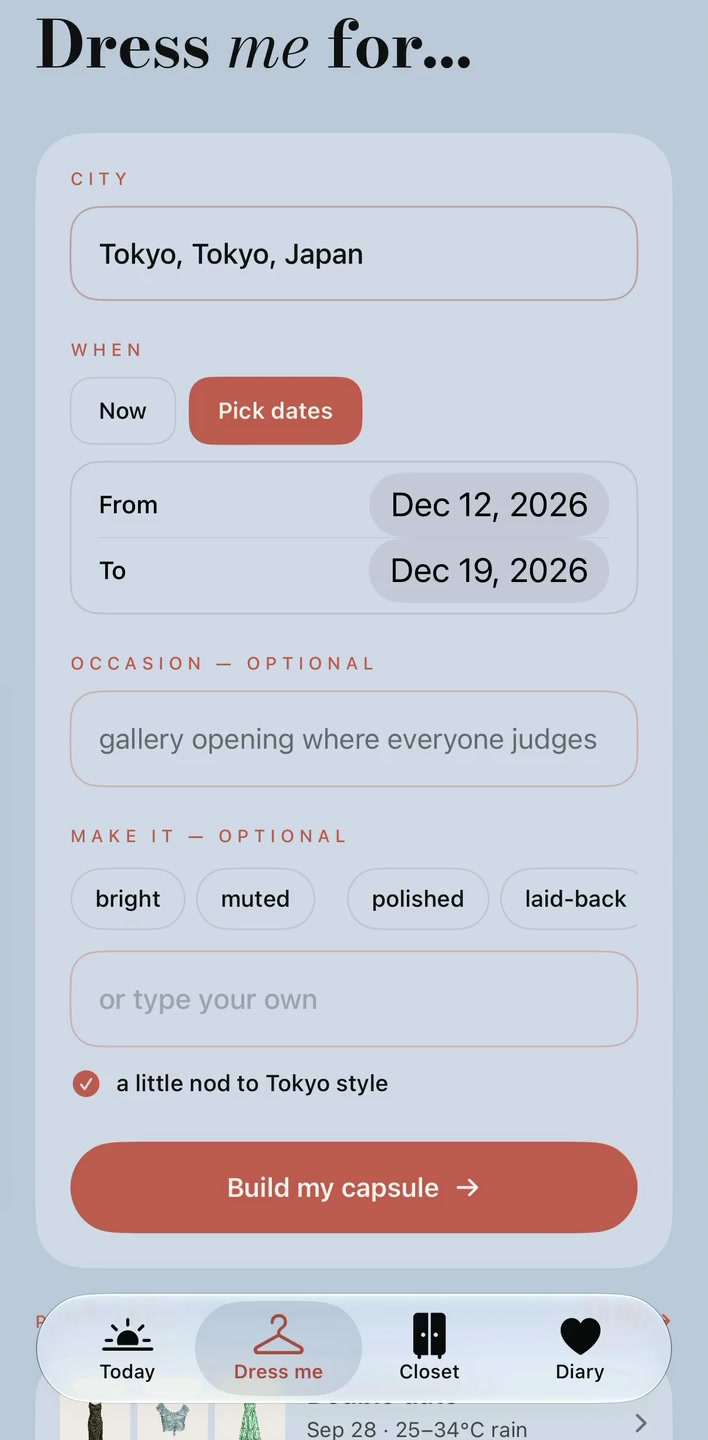
Start with where you’re going.
Choose a city and dates, then add an occasion or mood. Review the closet pieces before asking the app to style them.
Here, the input is Tokyo, 12–19 December. The outfits and packing list below belong to this same saved request.
See what you could wear.
Three ways to dress for the same trip: a waxed jacket with soft layers, a padded jacket with dark corduroy, and a waterproof shell with straight jeans. Each look has its own pieces and styling note.
These three screens show existing “See it on me” member previews. Planning returns garment collages; drawing a look on your mini-you is optional and costs credits.
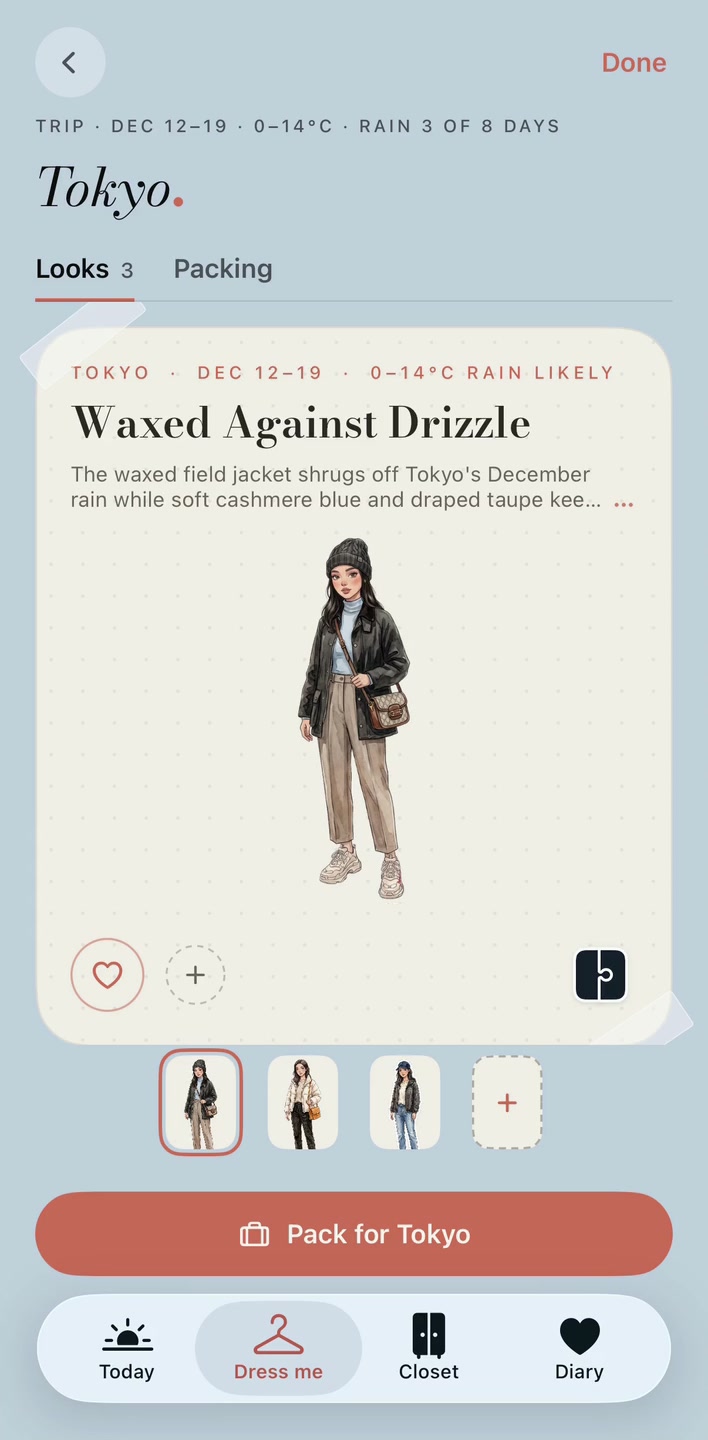
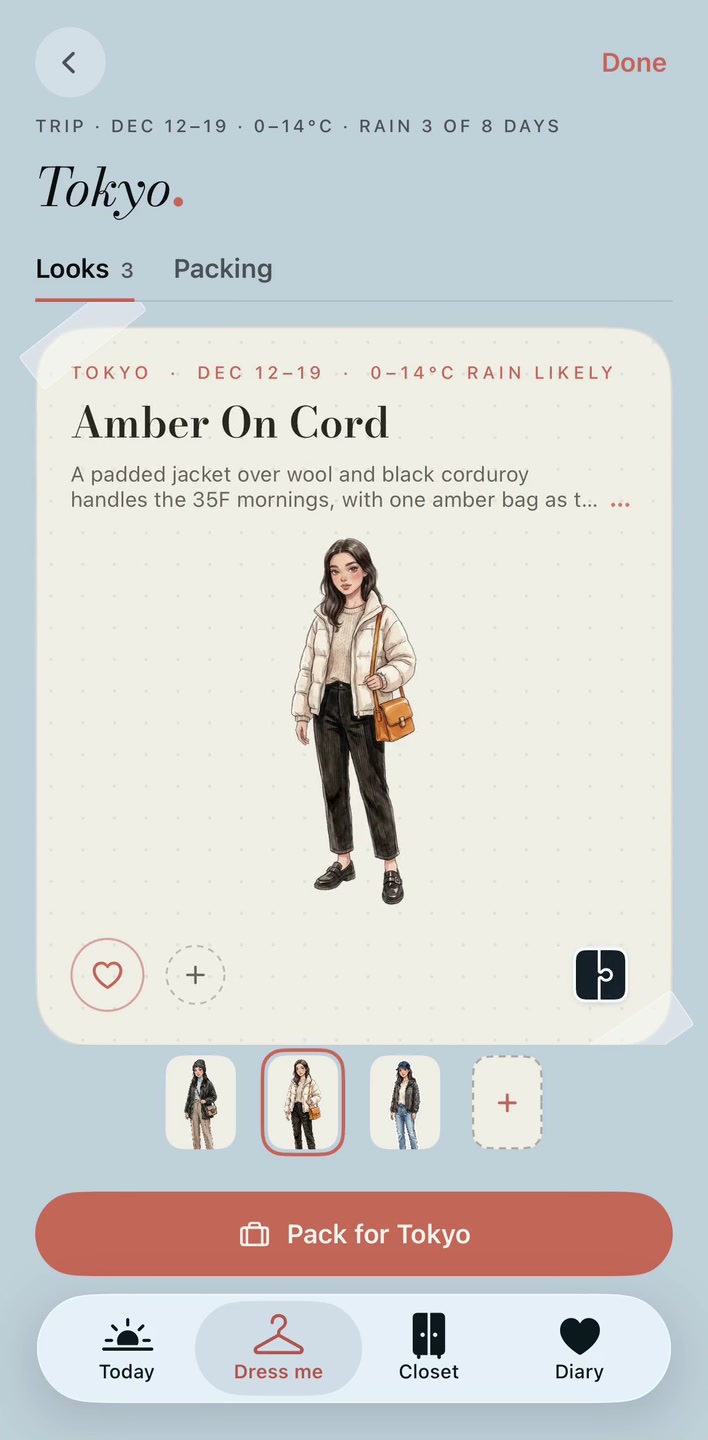
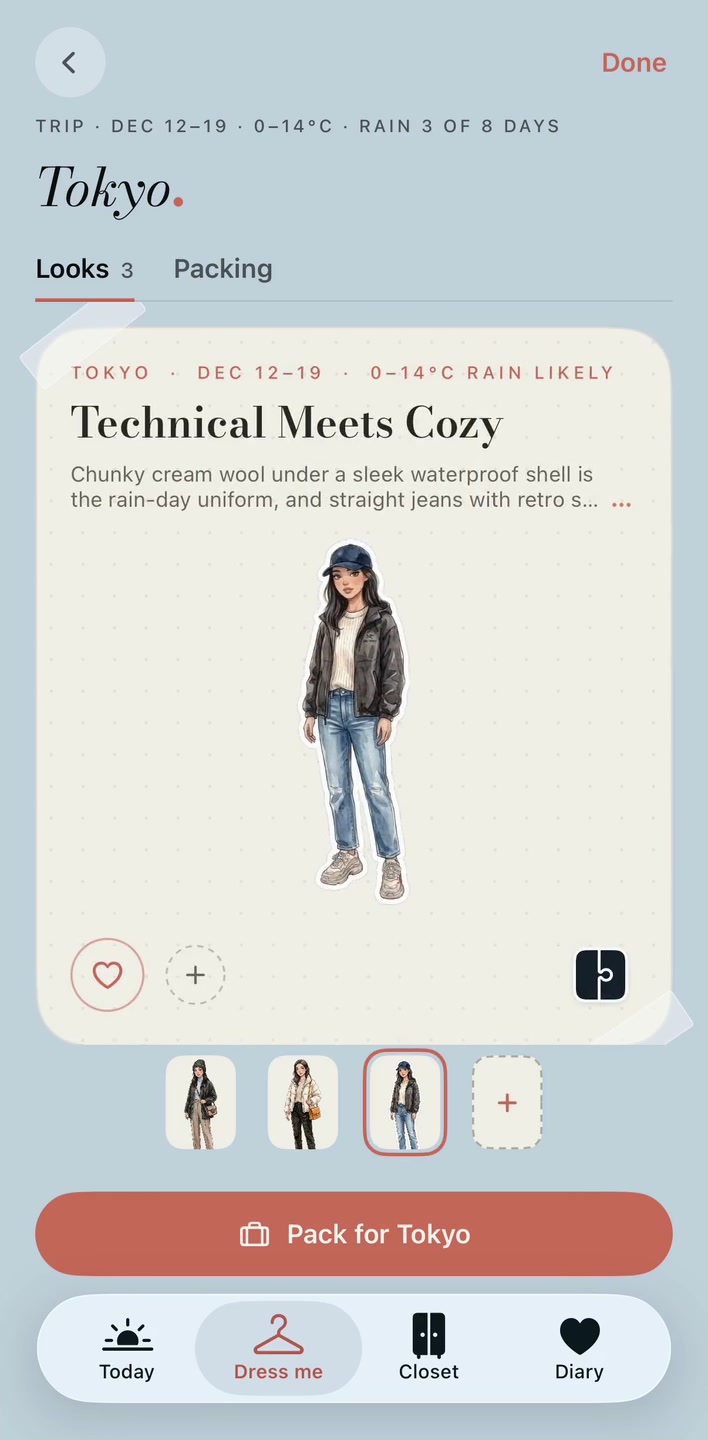
Scroll to see all three looks. Select any screen to view it full size.
Turn the looks into a checklist.
Switch a look to its garment collage to inspect the pieces. In Packing, choose the looks you’re taking, then tick off the clothes. This example includes three selected looks and 16 distinct pieces.
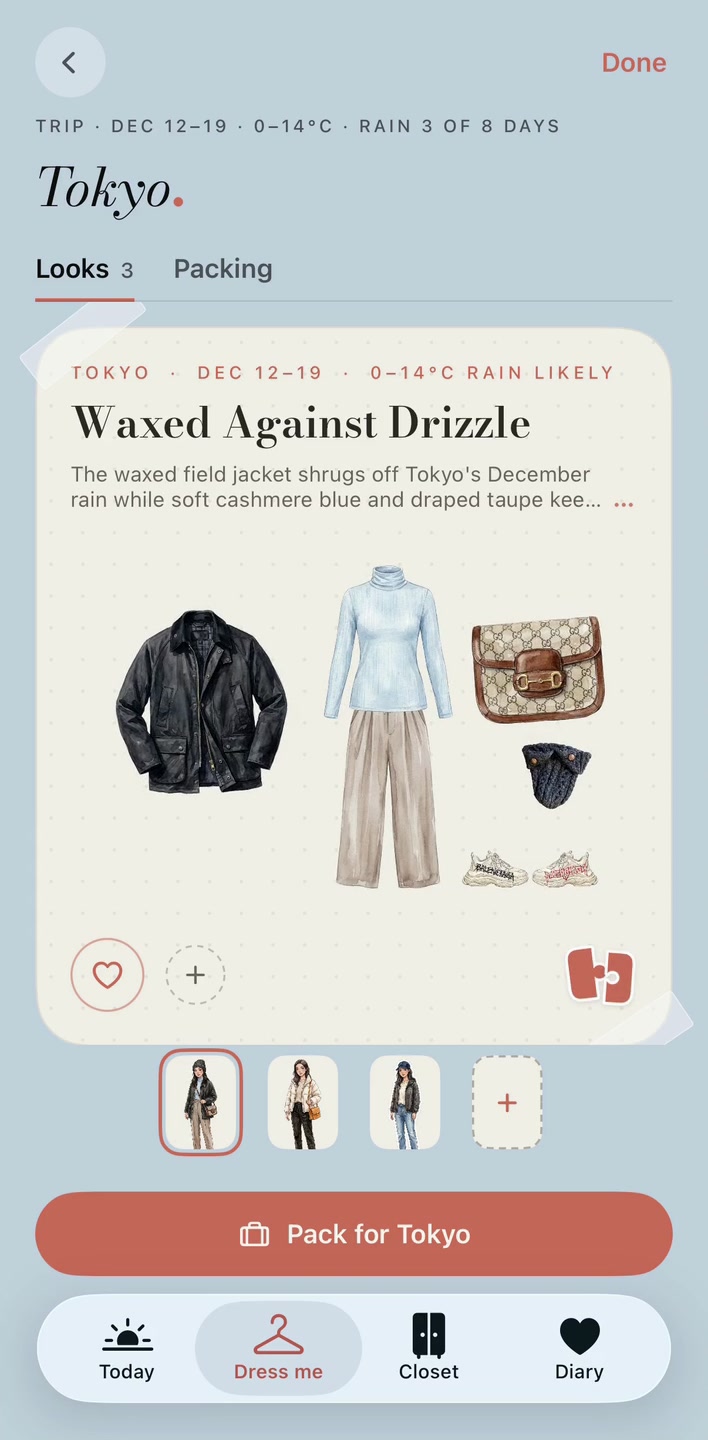
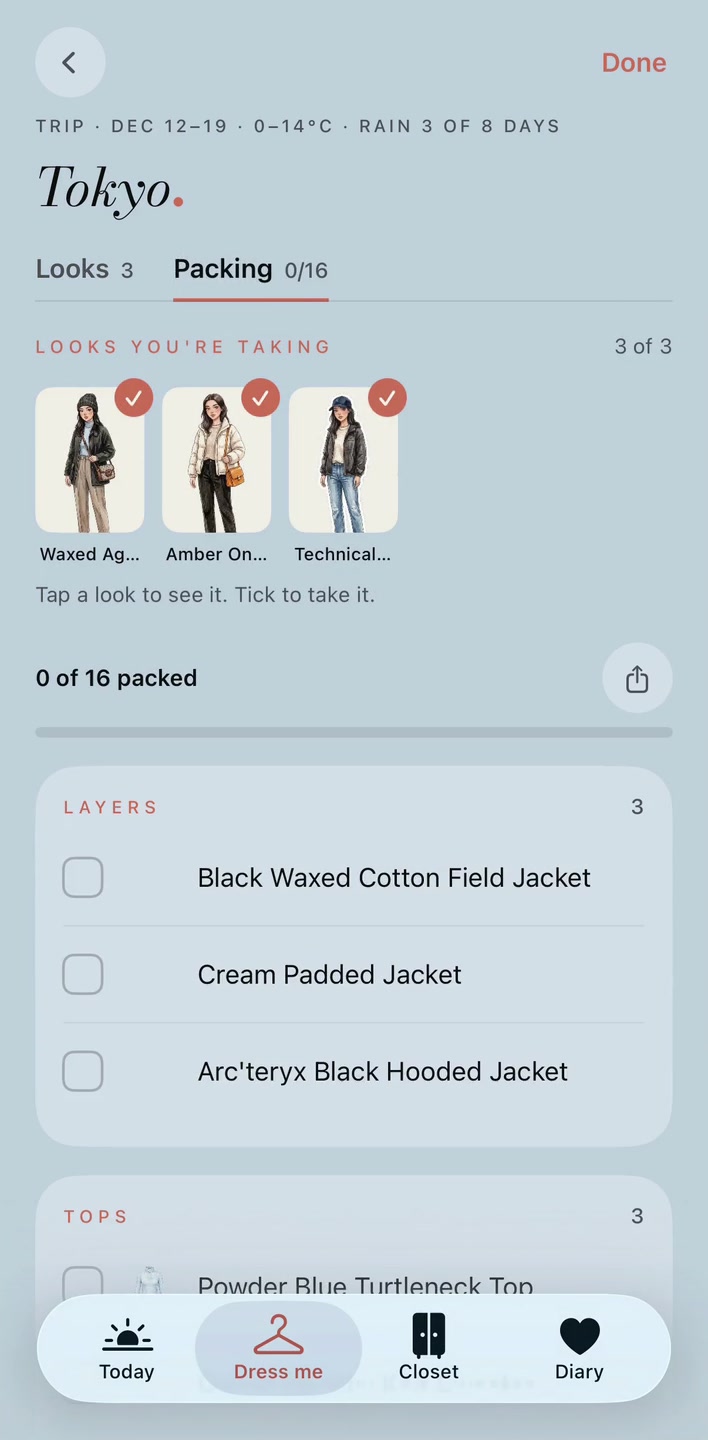
Looks and Packing · Stored Tokyo trip, rendered in the real app on 13 October 2026. No new outfits or previews were generated for this page.
How to plan your outfits and packing list
- Open Dress me and choose a city, Now or a date range of up to 30 days, an occasion and up to three optional moods. Add practical context such as carry-on only or a dinner plan.
- Check the weather summary and the proposed closet pieces. Remove pieces you will not take. Confirm that any stored pieces you include are available to retrieve.
- Ask the app to style the selection. Review up to five looks, their garment collages and notes. Borrowed library pieces are marked; remove or swap ideas you cannot pack. You can also build looks yourself for free.
- Open Packing, choose the looks you are taking and tick off the garments. Reused pieces appear once with their look count. See it on me is optional and requires membership plus credits for each new rendering.
What goes in, and what comes back?
Dress me for takes a city, dates, an occasion and optional moods, then returns up to 5 looks and a packing checklist. It uses your selected closet pieces and can add clearly marked borrowed library pieces. Those pieces are ideas you do not own, not shopping links or physical loans.
The output is a set of garment collages with styling notes, plus a checklist for the looks you choose to take. A trip can produce fewer than five suitable looks. It does not assign a unique outfit to every day of a long trip or reserve space in your suitcase.
What does “borrowed” mean?
A borrowed piece comes from PutTogether’s illustrated library and is marked in the look. It is not in your uploaded wardrobe and does not mean you own, rented or purchased it. Use it as an idea, swap it for something you have, or leave that look out of your packing selection. Check the list against your actual clothes.
Is distant-trip weather a forecast?
Dates within the roughly ten-day forecast window use Apple WeatherKit. Later dates use available observations for the same calendar dates across the previous five years from Open-Meteo. Those historical averages are seasonal guidance, not a forecast for your trip; check again near departure.
For example, planning a December visit in October uses typical weather for those dates. A trip within the forecast window uses the available forecast instead. Missing near-term weather asks you to retry; it is not silently replaced with historical averages.
Do I need a paid preview to use the list?
No. Outfit planning and the packing checklist have a free allowance every day. See it on me requires membership and 18 credits per new rendering. The preview illustrates the selected look on your mini-you; it is not a fit measurement. Reopening an existing ready rendering does not charge again, and failed renderings are refunded.
For destination advice, start with our Tokyo in December clothing guide. To compare packing workflows across apps, read the closet-app packing comparison.
What is free, and what needs membership?
Start free
Start free with 1 full-body outfit photo: your illustrated mini-you, up to 3 garment stickers and a wardrobe check for your chosen destination. Dress me for includes 3 planning requests per day for free accounts and 5 for members, without spending credits. Each request can return up to 5 looks and a packing list. Building looks yourself is free.
Build your closet and receive daily looks
Every membership includes 5 Dress me planning requests per day and adds wardrobe uploads, a daily look from your closet and style diary letters once enough complete outfit photos are added. Plans run from $9.99 to $34.99 a month for 25–200 pieces. See it on me requires membership and 18 credits per new Dress me rendering.
US App Store prices in USD, billed monthly. Prices and availability vary by region; the price shown before purchase applies. No annual plan or subscription free trial is currently offered.
Compare all plans, wardrobe capacities and credit costs.
Devices
Designed for iPhone, with iOS 17.0 or later. No Android app or dedicated iPad app. Apple also lists compatibility with M1-or-later Macs on macOS 14.0 or later, but marks the app as not verified for macOS.